
The Wireless Revolution
Airflow testing used to be simple, but slow.
You’d hold a meter at a grille, write numbers on a notepad, then try to make sense of them later. If the reading bounced, you guessed. If the customer asked for proof, you pointed at the screen and hoped they trusted you.
That’s why the move to a smart anemometer wireless setup has been a big shift for HVAC work. Your phone becomes the screen, the notebook, and the report tool. It can turn “looks alright” into a clean result you can share.
This isn’t about being flashy. It’s about being faster and more consistent on real jobs. Less rework. Less transcription errors. Better proof when you need to show what changed after a clean, a filter swap, or a duct tweak.
If you’re coming from older meters, it helps to start with the basics. Here’s a simple refresher on traditional anemometer functions so the “smart” features make more sense in the real world.
It also helps to know there isn’t one perfect anemometer for every job. Vane, hot-wire, and other styles behave differently. If you need help picking the right style for your workflow, read our detailed anemometer type comparison before you spend money on a tool that doesn’t suit your typical work.
In this guide, we’ll keep it practical for Australian techs. We’ll talk about how smart tools connect, what the apps actually do, what changes on commissioning jobs, and what to watch for on tough sites like Brisbane roof spaces, Sydney coastal plant rooms, and Melbourne winter heating call-outs.
We’ll also stay realistic with claims. Apps and wireless systems change over time. Features can vary by model and by app version. The goal here is not a spec sheet. The goal is helping you choose a setup that makes your airflow testing easier, cleaner, and more defendable.

How Smart Anemometers Work
A smart anemometer is still an anemometer. It measures air velocity (and sometimes calculates flow when you add area). The difference is how it shows and stores the reading.
Instead of relying only on a tiny screen, it sends the data to your phone or tablet. That means you can see live readings clearly, log them instantly, and build a report without rewriting anything.
Most smart anemometer apps in Australia are really about turning your phone into a proper job record, not just a second screen. In practice, it’s a smartphone anemometer HVAC workflow: measure, label, save, and share without retyping anything.
Bluetooth Low Energy connection
Most smart HVAC probes use Bluetooth Low Energy (often called BLE). The basic idea is simple. The probe talks to your phone using a low-power wireless signal.
BLE is designed to save battery. That matters because you want the probe to last through a day of service work, not die halfway through a commissioning run.
Connection is usually a pairing step. You turn on the probe, open the app, and connect. Once it’s paired, the app can remember the device so next time is faster.
App-based measurement display
The app becomes your main screen. This is bigger than it sounds.
On a ceiling grille, you can set the probe in place and step back. You can read the value without blocking airflow with your body. You can also show a customer or site manager a stable number without awkwardly holding a meter up in their face.
If you’re building a wireless kit for HVAC work, start by browsing Bluetooth HVAC instruments so you get a feel for the different probe styles and how they’re meant to be used on real sites.
Real-time data streaming
Streaming is just live updating. The probe sends values continuously, and the app updates the display.
This helps in two common situations. The first is when airflow is unstable because the system is ramping, zoning is opening, or dampers are moving. The second is when you’re adjusting something and want to see the change as it happens.
Instead of “take a reading, move, take another”, you can watch the trend and time your measurement when the system is stable.
Cloud synchronization
Some apps can sync results to cloud storage. Some keep it local on the phone. Some do both.
Cloud sync can be handy if you want job records available to a team, or if you want a backup when phones get replaced. But it also adds a layer of setup, and it depends on signal and permissions.
If cloud reporting matters for your business, treat it like any other job tool. Confirm how the app stores data, who can access it, and how you export it. Don’t assume every model or app version handles this the same way.
Multiple probe connections
One of the biggest workflow changes is running multiple probes at once.
On the right platform, you can connect more than one device and view them together. That can make it easier to compare supply and return, or compare different zones, without swapping one meter around and hoping conditions didn’t change in the meantime.
This is where “smart” becomes more than convenience. It can make your testing more honest because you reduce the time gap between measurements.
Pro Tip
When you’re measuring at grilles, set the probe, step back, and read from the phone. You’ll block less airflow and you’ll get a steadier result.
Leading Smart Anemometer Brands
When Australian techs talk about smart anemometers, two ecosystems come up a lot.
One is the Testo Smart Probes style setup. The other is the Fieldpiece Job Link approach. Both are built around wireless probes and a phone app, but they can feel different in daily use.
This section is not here to crown a winner. It’s here to help you compare the way you work. The right choice is the one that gives you repeatable readings, clean reporting, and support you can access in Australia.
Testo Smart Probes (410i vane, 405i hot-wire)
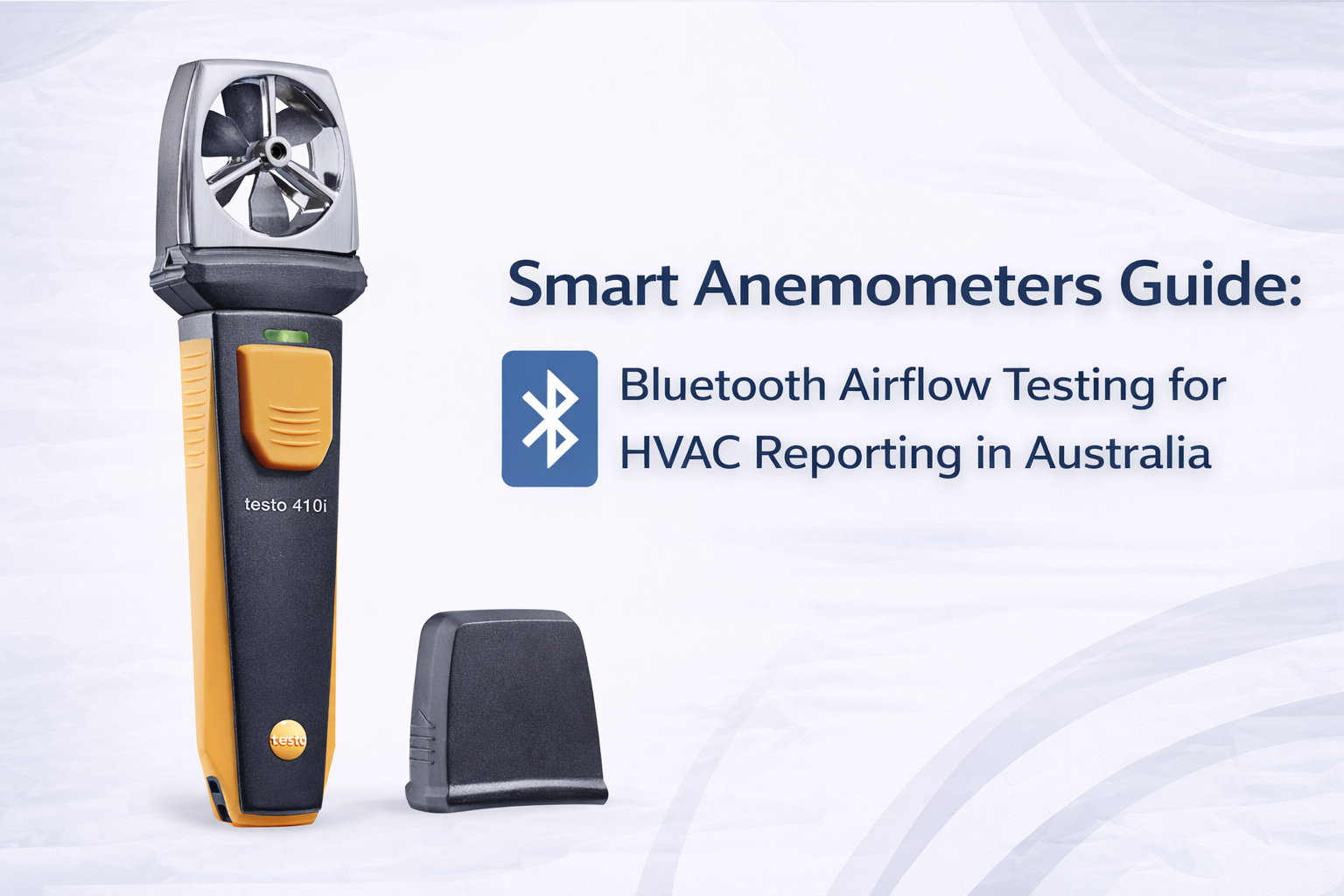
Testo’s Smart Probe range is commonly used for app-based field measurement. In airflow work, you’ll often hear techs mention models like a vane-style probe (such as the 410i) and a hot-wire style probe (such as the 405i).
A vane probe is often liked for grille work because it can be easier to average across a face. A hot-wire probe can be handy where you need a small sensor in a tight spot or where airflow is gentle and you want sensitivity.
If you’re comparing models or building a kit around that ecosystem, start with the collection page for Testo Smart Probe anemometers and then confirm the exact model details from the product listing and datasheet. Features and app behaviour can vary by model and by updates.
Fieldpiece Job Link system
Fieldpiece is another common ecosystem used by HVAC techs for app-connected measurement. The Job Link approach is built around wireless tools that talk to a phone app, with a focus on practical job workflows.
For airflow, different probe types may suit different situations. What matters most is how stable the readings are in the conditions you work in, and how easy it is to turn measurements into a useful record.
If you’re looking at this ecosystem, the easiest starting point is the collection for Fieldpiece wireless anemometers and related tools, then confirm the workflow details based on what you actually need to do on site.
Features and app comparison
In real life, the “best” app is the one that fits your habits.
Some techs want simple. Open app, see live number, log it, done. Others want richer reporting with job folders, notes, and exports.
When you compare apps, focus on the basics first. Can you clearly see the live value? Can you average readings? Can you label locations so you know which grille is which? Can you export results without pain?
Then look at the extras. Can you attach photos? Can you add notes that make sense later? Can your team share the record without copying it by hand?
Australian availability
Availability matters more than people think.
If you’re on a job in peak season and you break a probe, you want a replacement quickly. If your app needs support, you want someone local who understands how Aussie HVAC work actually runs.
A practical check is to confirm local stock and local support options before you standardise a whole team on one platform.
Warranty and support
Warranty and support can be the quiet decider.
Smart tools rely on hardware and software. If a probe fails, you need a clear process. If an app changes, you want the tool to remain useful. This is why it’s smart to confirm warranty terms and support pathways at the time you buy, using the supplier’s product page and current documents.
When people search for the best smart anemometer in Australia for 2025, they usually mean this: which probe type and app workflow will give stable readings, clean logs, and a report you can stand behind on real jobs.
Tech Specs
Don’t choose a wireless anemometer on one headline feature. Confirm the probe type, the app workflow, what’s included, and how you’ll export reports on real jobs.
App Features That Change Your Workflow
This is where smart tools earn their keep.
On paper, “connects to phone” sounds like a nice extra. On site, the app features can change how fast you finish a job and how confident you feel in the result.
The big shift is moving from “reading a number” to “capturing a result”. A captured result is labelled, stored, and easy to share. That’s the difference between a tech who tests airflow sometimes and a tech who can prove airflow changes every time.
| App feature | What it does on site | Why it matters | What to look for |
|---|---|---|---|
| Live readings | Shows real-time airflow values on a large screen | Easier to see stability and avoid “reading at the wrong moment” | Clear display, stable update rate, easy unit switching |
| Data logging | Stores readings over time automatically | Stops manual transcription errors and builds job history | Simple start/stop, time stamps, easy export |
| Photo attachment | Lets you attach a photo of the grille, duct, or setup | Makes results easier to explain later, especially on repeat sites | Fast capture, ties photo to the reading or job note |
| Job notes | Adds context like fan speed, filter state, doors open/closed | Stops arguments later because you can explain the conditions | Easy labels, room naming, quick text entry |
| PDF reports | Turns logged readings into a shareable report | Looks professional and speeds up handover on commissioning | Clean layout, export options, editable job details |
| Remote monitoring | Lets you read values from a distance while the probe stays in place | Helps in ceiling spaces and avoids blocking airflow at the grille | Stable connection, good range in real buildings |
| Team collaboration | Shares job records across a team (where supported) | Improves consistency and reduces “lost history” on service contracts | Clear user access, simple sharing, reliable backups |
These features matter because airflow is often the missing proof in HVAC work. You can clean a coil and say it’s better, but a logged reading and a clean report makes it hard to argue with.
Smart tools also fit into the bigger shift in HVAC diagnostics. More techs are building kits that support clean measurement, logging, and customer-friendly handover. If you want a wider view of where smart tools sit in modern workflows, this overview of modern HVAC diagnostic tools helps explain why reporting is becoming part of the job, not an optional extra.
Real-World Benefits for Australian Techs
Smart wireless anemometers are not just for big commercial jobs. They help on everyday service work too.
The key is that they reduce “busy work” and improve confidence. And in Australia, where jobs can be spread out and access can be tricky, saving time without losing quality matters.
Faster commissioning jobs
On commissioning, you often do the same steps again and again. Measure, record, compare, then prove the result.
A smart setup can speed this up because it reduces double handling. Instead of writing numbers, then typing them into a report later, you log once and export once. That can shorten the job without cutting corners.
It also helps when you’re balancing. You can adjust a damper, watch the live reading settle, then log the value when it is stable. That feels more controlled than “take a guess, move on”.
Professional PDF reports
Reports are not just about looking good. They help you get paid and reduce disputes.
A simple report that shows “before and after” can stop the classic argument where a customer says they can’t feel the difference. You can show the airflow change and explain what that means for comfort and system load.
On commercial sites, a report can also support maintenance contracts. It shows you did the work and measured the outcome. That’s good for trust and good for repeat business without being pushy.
No manual transcription errors
Manual notes are where mistakes hide.
It’s easy to swap two rooms, misread a digit, or forget whether the system was on high fan or low fan when you wrote the number down. Smart logging helps because it captures time stamps and gives you a clear record you can label properly.
Client presentation improvements
Clients like clarity. They don’t want a lecture. They want a simple story.
A phone screen showing stable live readings is easier to explain than a tiny meter screen. A report with labelled rooms is easier than “trust me, it’s better”.
That matters on jobs where comfort complaints have been going for months. When you can show airflow changes cleanly, the customer feels like the job is under control.
Time savings calculation (without the hype)
Time savings are real, but they depend on how you work.
Here’s a safe way to think about it. If you currently spend a few minutes per job writing readings, rewriting them, and cleaning up notes later, smart logging can reduce that. Over a week, that adds up.
The point is not a magical number. The point is that the workflow becomes simpler. That often means less overtime, fewer admin headaches, and more time for actual fault finding.
And if your airflow work links into CFM diagnosis and room performance checks, this guide to professional airflow testing is a good companion read. It helps you turn readings into decisions, not just numbers.
Data Logging and Cloud Reporting
Smart tools change what happens after the measurement.
With old tools, the reading disappears the moment you walk away. With smart logging, the reading becomes a record. That record can support service history, commissioning proof, and compliance-style documentation.
Automatic measurement logging
Automatic logging means the app stores readings for you. You can usually label the test point and add notes, but the tool handles the boring part.
This matters on busy days. When you’re rushing, manual notes get messy. Logged results stay cleaner and easier to review later.
Historical trend analysis
Trends are where you catch slow problems.
If airflow is dropping slowly over months, you might not notice it by feel. A customer just says “it’s not like it used to be”. Logged data can show that change clearly, which helps you target the right cause.
This is especially useful on sites with filters that clog fast, or on systems that slowly load up with dust. Brisbane humidity and dust can make these issues show up quickly if maintenance slips.
Cloud backup and access
Cloud backup can be helpful, but only if you control it well.
If your app supports cloud storage, make sure you know who owns the data, how you export it, and what happens if the phone changes. Cloud is great when it’s simple. It’s frustrating when it locks you into a process you didn’t expect.
Job site documentation
Good job records don’t need to be complicated. They just need to be clear.
What did you measure? Where did you measure? What were the conditions? What changed after the fix?
That’s why a smart anemometer is often picked for app connected airflow meters. It supports the story of the job without extra admin.
Compliance record keeping
Not every job needs a formal compliance pack. But many commercial sites do care about records.
If airflow testing affects decisions about ventilation, access, or plant operation, clean records are smart risk control. It also helps you look professional without turning the visit into paperwork hell.
If you’re choosing a cloud reporting anemometer setup, make sure exporting is simple and your job data stays accessible when phones get replaced or apps get updated.
For general WHS guidance that supports safe work methods on plant rooms, roof spaces, and site access, you can align with workplace safety guidance.
If you’re building a wireless workflow for reporting and record keeping, it makes sense to look at smart measurement instruments that support easy logging and a clean export process.
Did You Know?
A lot of “bad airflow numbers” are not the system at all. They’re lost notes, mixed rooms, or missing context. Logging with photos and job notes can stop those mistakes.
Connectivity: Range and Reliability
Wireless sounds simple until you’re on a hard site.
A phone-to-probe link that works perfectly in a workshop can behave differently in a plant room full of metal, a multi-storey building, or a tight ceiling space.
This section helps you set realistic expectations, test range properly, and avoid the common mistakes that make smart tools feel “unreliable”.
Bluetooth range (10-30m typical)
Many Bluetooth Low Energy tools are commonly quoted as working around 10 to 30 metres in good conditions. That’s often line-of-sight, with fewer obstacles.
In real buildings, range can be lower. Concrete, metal ductwork, plant room doors, and lift cores can cut signal quickly.
The best approach is simple. Don’t rely on the marketing idea of range. Test it in the places you work most. If you do lots of high-rise work, test in stairwells and plant rooms. If you do lots of residential, test through walls and across rooms.
Obstacles and interference
Anything that blocks or reflects signal can cause dropouts. Metal is a big one. So is dense concrete.
Also remember that sites can be “noisy” electronically. Lots of devices, lots of wireless traffic, and lots of equipment can create interference.
If your connection drops, don’t panic. Step closer, reduce obstacles, and try again. Often it’s not a tool fault. It’s the site environment.
Multi-story building challenges
Multi-storey jobs are where smart tools can shine and struggle at the same time.
They shine because you can put a probe in place and read it from a safer position. They struggle because floors and cores can kill signal.
A practical trick is to treat the phone as part of the tool. Carry it where it can “see” the probe as much as possible. If you need more distance, consider whether your workflow needs you to stay closer during logging, then step away after you’ve captured the result.
Battery life considerations
Battery life is not just about hours. It’s about habits.
If you forget to turn probes off, batteries drain. If you store them flat, some can slowly discharge. If you work in extreme heat, battery performance can drop.
Australian conditions can be rough on batteries. A probe left in a hot ute in summer can suffer faster. A probe used in a humid Brisbane roof space can be exposed to moisture. A probe used in salty coastal air can need more cleaning.
Australian field conditions
Australia is a mix of harsh environments.
In Brisbane humidity, moisture and dust can build up quickly. On Sydney coastal jobs, salt air can creep into plant rooms and roof gear. In Melbourne cold snaps, heating complaints can spike and you end up measuring airflow in awkward spots because the customer wants answers fast.
This is where build quality and workflow matter. You want a probe you can protect, clean, and use consistently. A smart tool is only “smart” if it still works when the job is messy.
Upgrade to Smart Anemometers Today
Smart wireless anemometers are not a gimmick. They’re a workflow upgrade.
They help you measure faster, record cleaner, and explain results better. That can mean fewer call-backs, fewer arguments, and less admin time after the job.
The best way to think about ROI is simple. If a tool helps you avoid one wrong diagnosis, or helps you prove one “before and after” improvement clearly, it can pay for itself faster than most people expect.
If you want to upgrade your airflow workflow, start by looking at wireless anemometers for better reporting and choose a setup that matches the jobs you do most.
And keep it practical. Confirm the probe type. Confirm how the app logs and exports. Confirm what you need for your typical sites, whether that’s residential service, commercial maintenance, or commissioning work.
If you’re unsure what suits your workflow, talk to our team to confirm compatibility and get a quote based on how you actually test on site. If you already have a meter, you can also ask whether any upgrade or trade-in options are available at the time, so you can plan the switch without wasting tools you still use.
The end goal is simple. Better airflow decisions, backed by clean records, without slowing you down on busy days.