

Get a Fast Quote
🛠️ Need the Right HVAC Tool for the Job?
Whether you're quoting a bulk order or chasing hard-to-find tools, we’re here to help.
Get a fast, personalised quote—no pressure, no spam!
Fill out the form below and we’ll get back to you ASAP.
📩 Request a Quote
Description
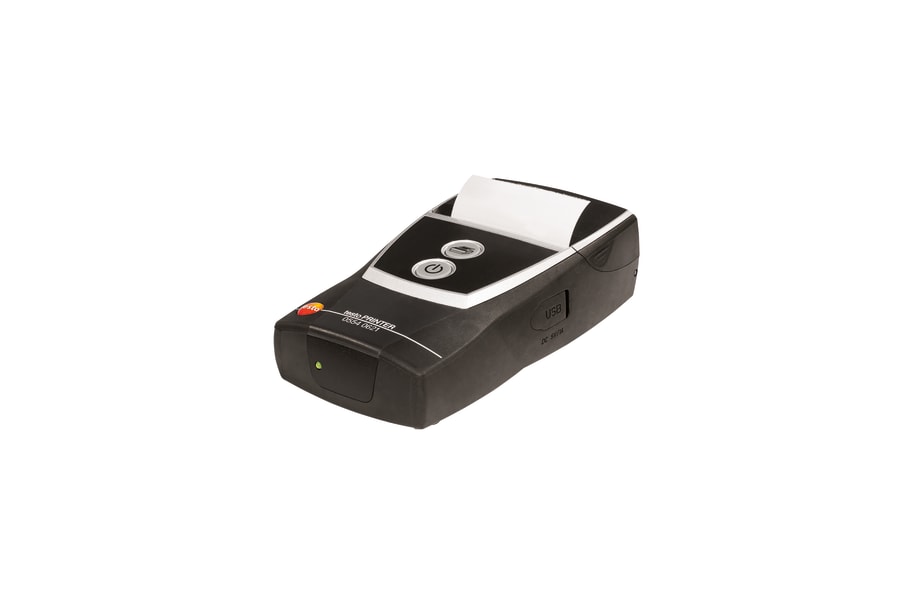
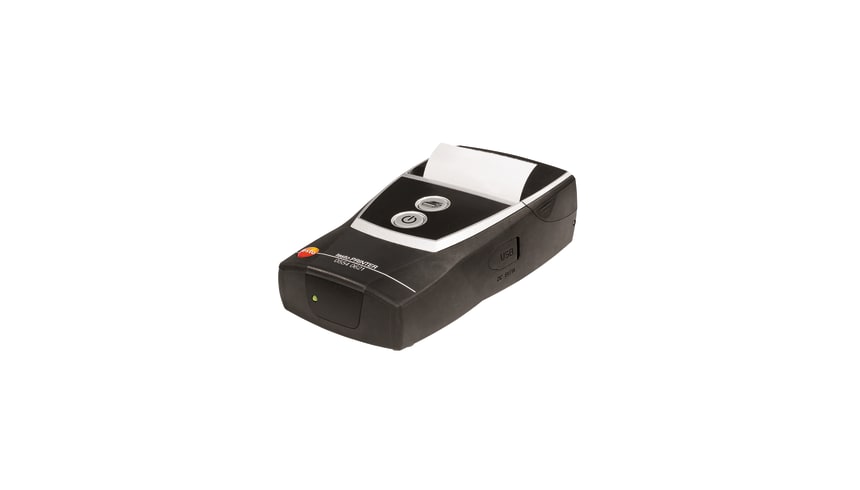
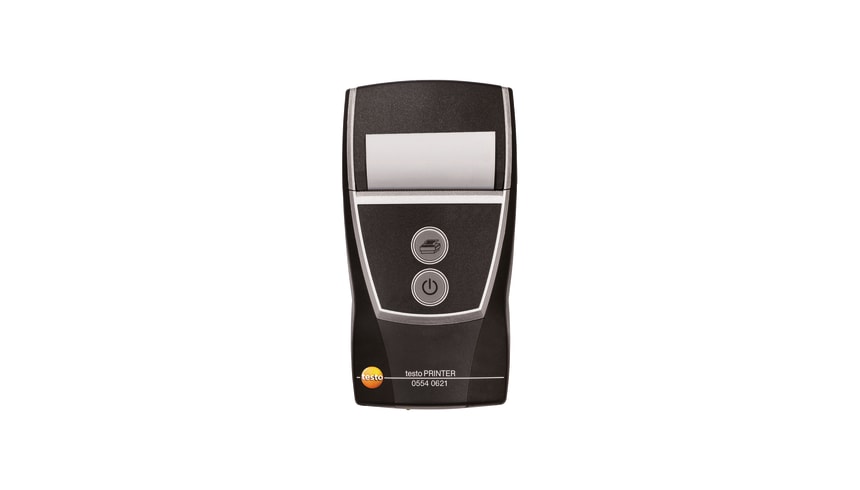
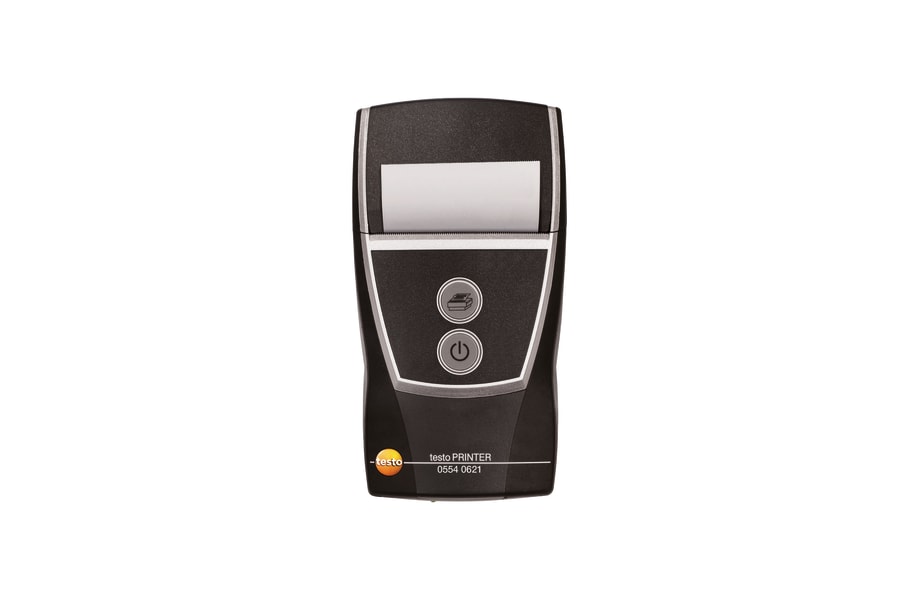
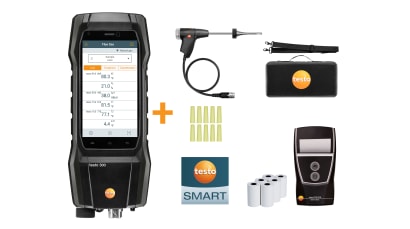
This Testo printer lets you get hard copies of your measurement results right there on the job. It's built for pros who need to document their readings from compatible Testo instruments or Testo Apps, like for combustion analysis or temperature logging.
Having a physical printout on site means no guesswork later and a clear record for clients or compliance. I've been on jobs where a quick printout saved hours of cross-referencing notes back at the office.
Best For
- HVAC service technicians needing instant report printouts.
- Combustion analysis teams documenting flue gas readings.
- Anyone using compatible Testo measuring instruments requiring on-site data logging.
Compatibility
This printer connects via Bluetooth or IrDA, making it suitable for a range of compatible Testo measuring instruments and the Testo Apps. This includes popular units like the Testo 300 series combustion analysers and the Testo 110 temperature measuring instrument. If you're running a different model, check fittings and specs before ordering.
Features
- Dual Interface: Supports both Bluetooth® and IrDA communication protocols in one unit.
- Data and Graph Printing: Capable of printing both detailed measurement data and graphical representations directly from your instrument.
- Status LEDs: Coloured LEDs provide a clear visual indication of the printer's operational status.
- Fast Data Transfer: Designed for rapid transfer, getting your data to print in just 2 seconds.
- Rechargeable Design: Comes with a rechargeable battery and a mains unit for convenient power on the go or back at the workshop.
What's in the Box
- Testo Bluetooth®/IrDA printer (SKU: 0554 0621)
- 1 roll of thermal paper
- Rechargeable battery
- Mains unit (power supply)
Using It on the Job
- Ensure your Testo printer is charged and has a fresh roll of thermal paper loaded.
- Power on your compatible Testo measuring instrument or open the relevant Testo App on your smart device.
- Establish a connection between your instrument/app and the printer via either Bluetooth or IrDA, following the instrument's manual.
- Navigate to the measurement data or graph you wish to print within your Testo device or app.
- Initiate the print command. The data should transfer and print quickly.
- Collect your printout and attach it to your job report or hand it over for client documentation.
Limitations & Safety Notes
- Only compatible with Testo instruments and Apps that explicitly support Bluetooth or IrDA printing.
- Use genuine Testo spare thermal paper (0554 0568) for the best print clarity and longevity.
- Keep the printer away from excessive dust, moisture, and direct impacts typical of a busy worksite.
- Always use the supplied mains unit to charge the rechargeable battery to prevent damage.
Tradie Pro Tip: Always carry a spare roll of thermal paper in your kit. Nothing stalls a job faster than running out of paper when you need to print a critical report for a client or your records.
Pair With
This Testo Bluetooth/IrDA Printer pairs perfectly with Testo 300 combustion analysers, Testo 110 temperature meters, or any other compatible Testo measurement instrument you use regularly. Don't forget to grab some spare thermal paper (0554 0568) to keep things running smoothly.
You may also like
Recently viewed
Popular Brands We Distribute